passiona

Build and inspect an AI machine.
Trace inputs, models, conditions and outputs. Test what the machine does and decide when uncertainty should affect a decision.
Watch the Workshop demoHands-on AI literacy for Hong Kong Students
Students build AI machines, use evidence to question the results, and create a connected world they can explain.
The programme
Four connected tools help students take one idea from an AI machine to a project they can test and explain in a 3D city.
Trace inputs, models, conditions and outputs. Test what the machine does and decide when uncertainty should affect a decision.
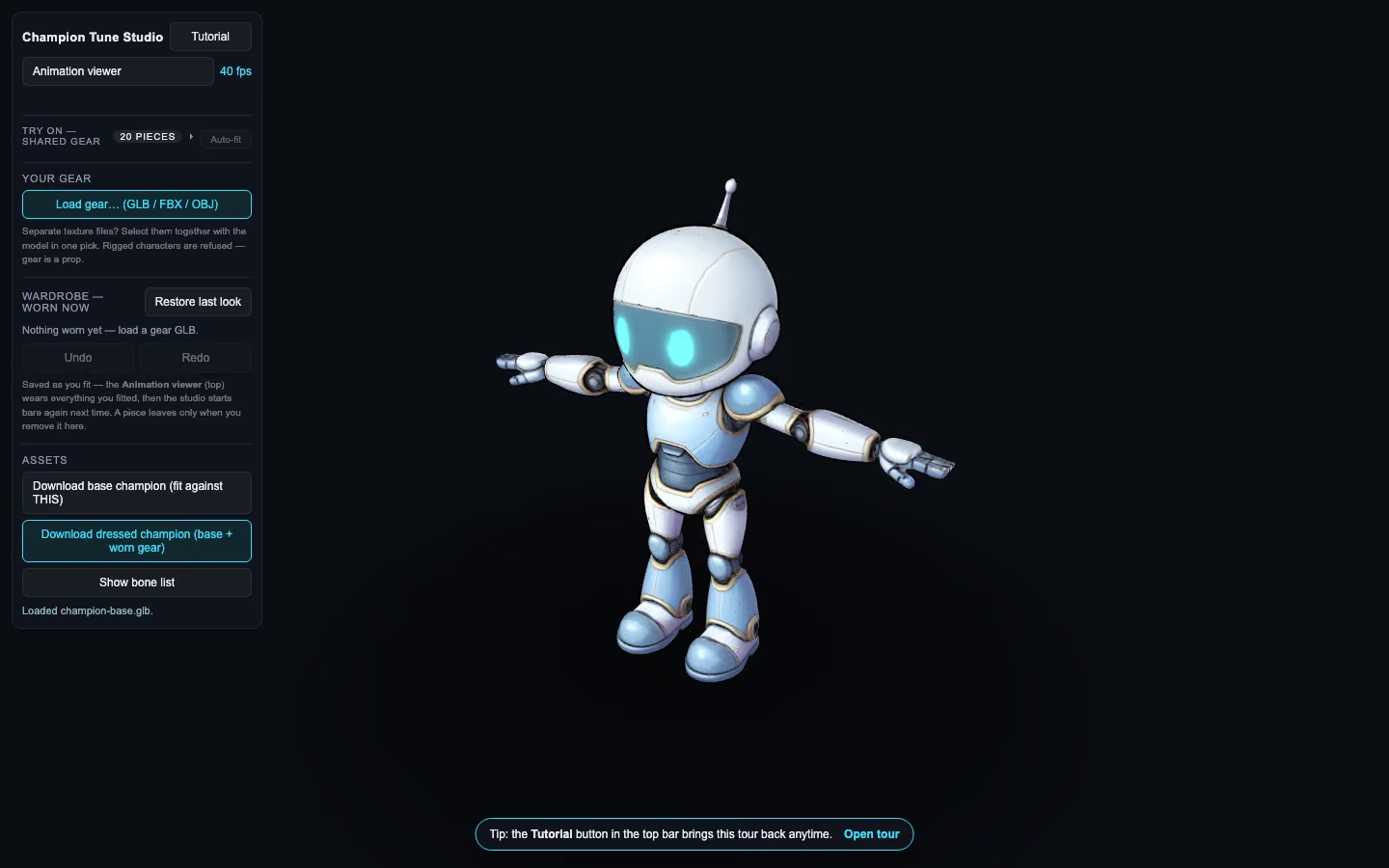
Watch the Workshop demoShape an original 3D character, fit it with gear and learn how a digital skeleton gives it movement.
Watch the Fit Studio demoAsk about your machine, investigate unexpected results and work through changes. Coding Buddy can help with supported blocks, wiring and settings. Students run the tests, review the evidence and decide what to try next.
The model predicted “paper”. Why did it go to “Not sure”?
 Coding Buddy
The paper filter isn’t wired to the sorting gate. Connect them, then rerun the same paper example.
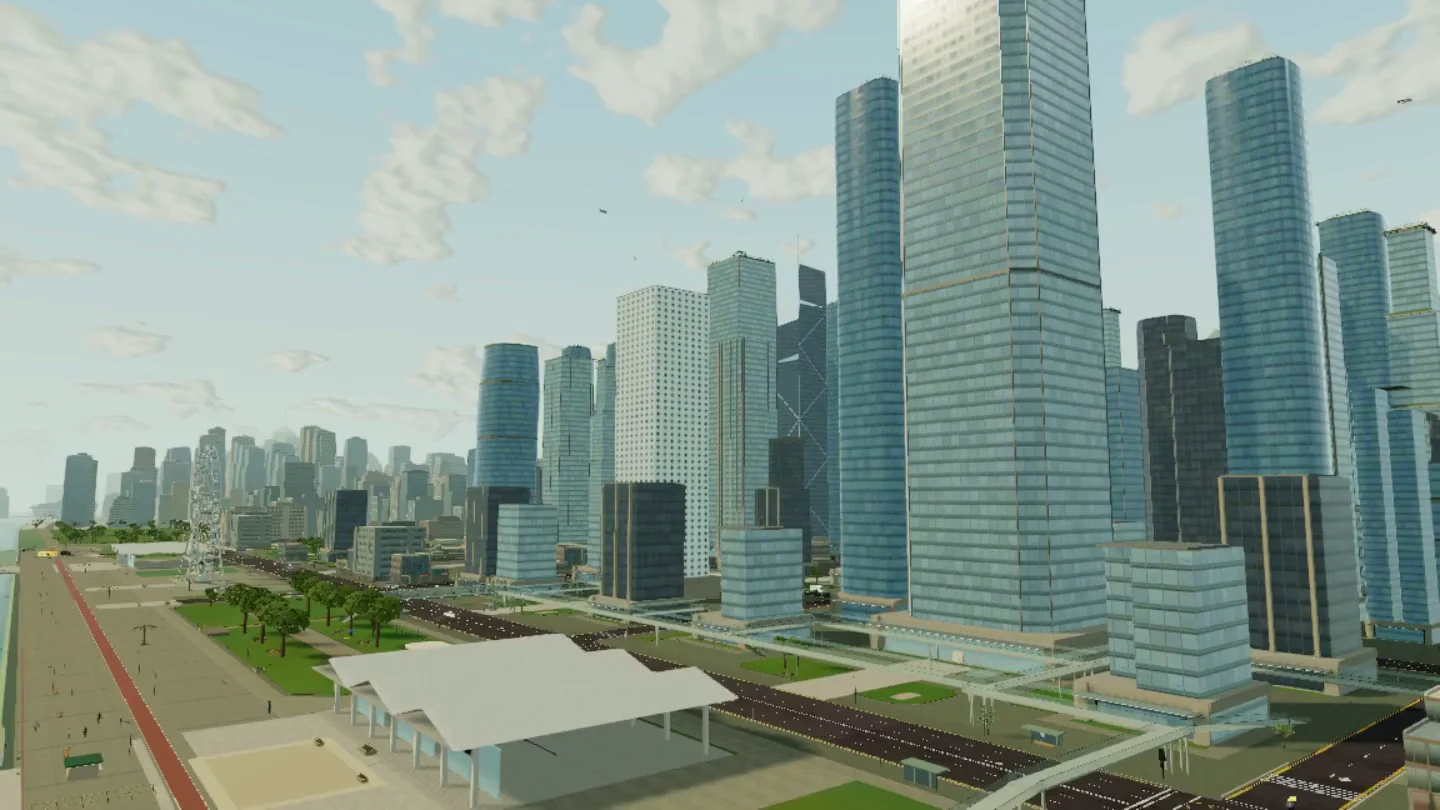
Make design choices for a 3D city that keeps the results of your work. Return to the city to test your machines, revisit the evidence and explain what happened.
Explore the city galleryWire components together and trace the messages they send.
Link feeders, tracks, bins and displays to count deliveries.
Train a model on labelled examples, then test and refine it.
Use model predictions to route items and give feedback.
Check numerical predictions against a simulated reference.
Watch a worked example and revisit each step.
Build, test and use hints as needed.
Apply what you learn to a machine for AI City. Optional challenges let you take your design further.
Watch the animation to see how the parts connect. Revisit a step, then build and test the factory yourself.
Use examples and hints as you practise. Feedback helps explain why your prediction differs from the simulated result.
From the Workshop to AI City
Students connect inputs, models and decision rules in Workshop tabs that link to AI City simulations. Driving and recycling are two examples. Students test their machines in the city, then use the results to improve them in the Workshop.
Students train steering and speed models using simulated sensor readings. They test the models together on a driving course, then try the vehicle on regular AI City roads. Bends, traffic lights and other vehicles reveal what needs more training.


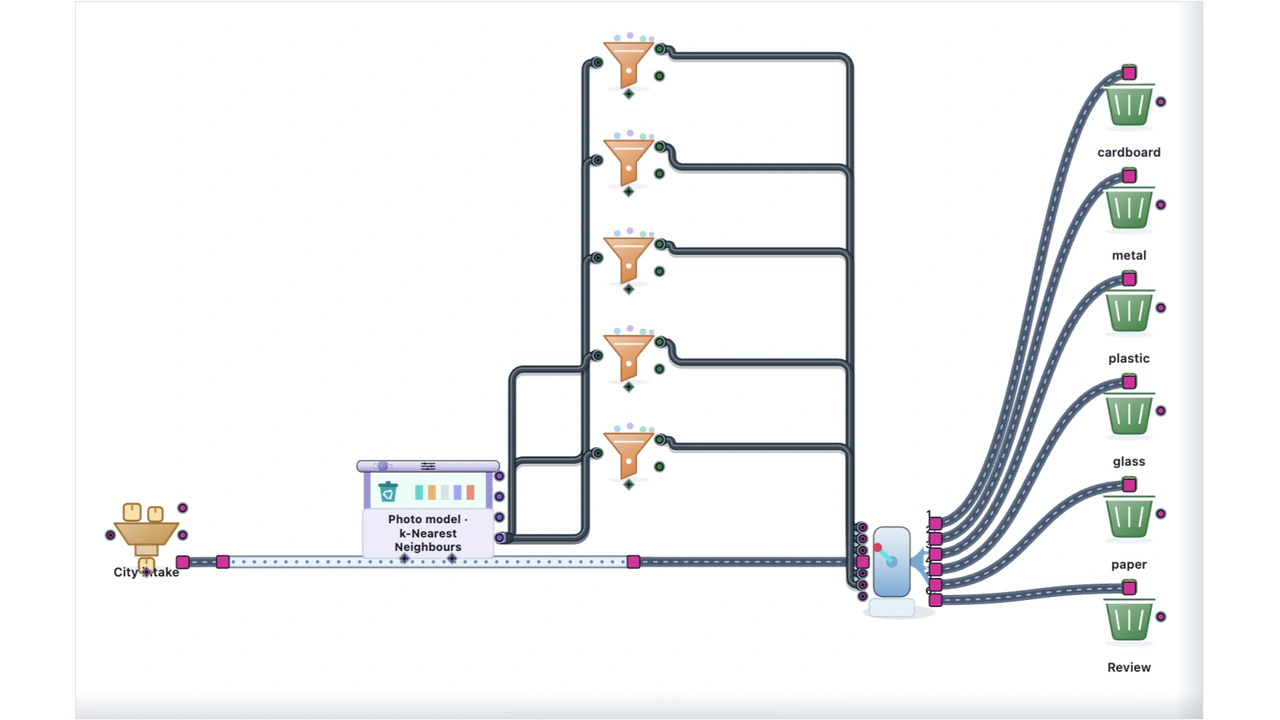
Students teach a model to recognise materials and connect its predictions to sorting rules. They test their saved machine in the AI City Recycling Lab, investigate mistakes and decide when a person should check an item.


Meet a Champion
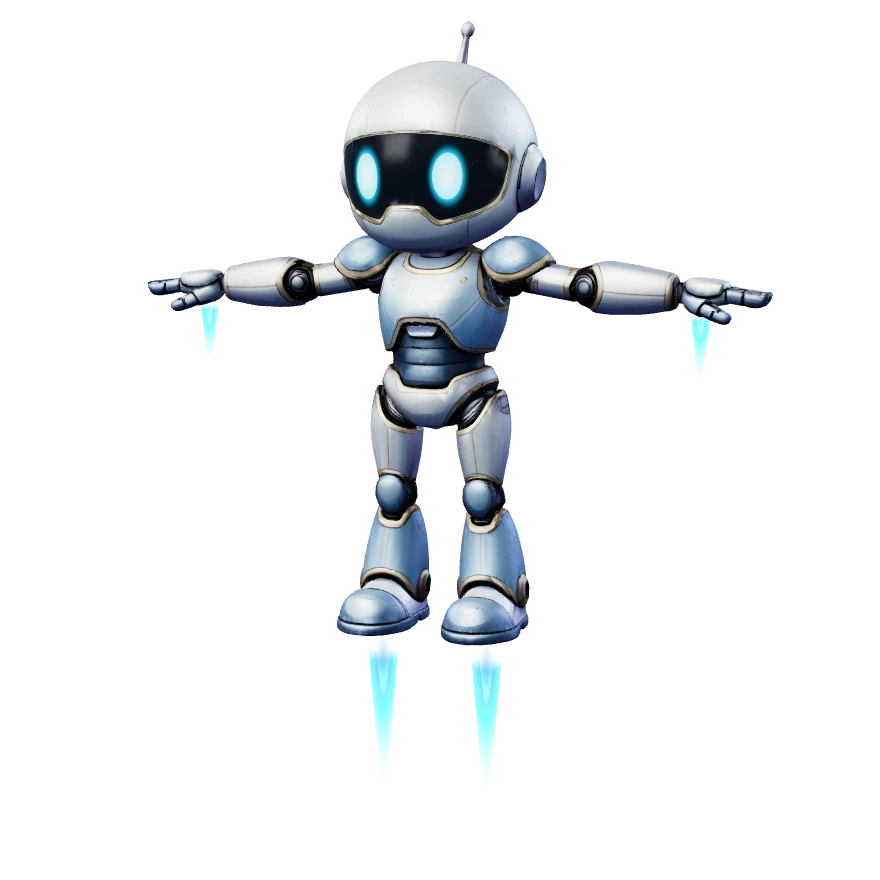
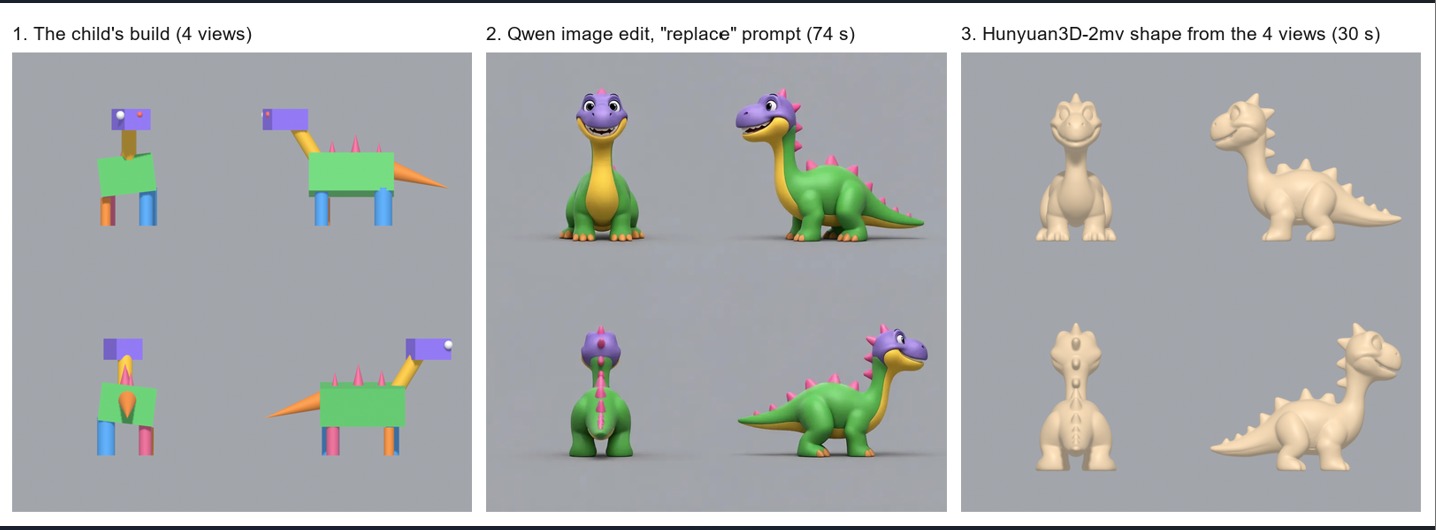
Students start with a character of their own, develop its look in 3D with AI and give it movement. This dinosaur shows how one design develops across the three stages.
View the finished 3D dinosaur from different angles.
A digital skeleton lets the character bend and move, including its wings.

Drag to rotate
See how students use AI City to test the machines they build and explain their design choices.
Watch on YouTubeWatch students build and test a recycling sorter in the Workshop. It is one example of the machines they can make.
Watch on YouTubeChoose and fit equipment for a student’s Champion before bringing it into the city.
Watch on YouTubeLearning outcomes
By the end of the programme, students can explain what they made, how they tested it and what the results support.
Live input stays in device memory during the activity. Passiona does not keep it as a child profile.
Students can take part without giving their name or other personal identifiers or creating an account.
Students save projects through a Champion File and can restore their work in one tap. Cloud restore codes contain no account information or personal identifiers.
Arrange a free introductory lesson or book a demo for your school.
Passiona trains teachers to deliver the programme and offers practical classroom support.
Experienced Passiona educators can deliver the programme at your school alongside your staff where appropriate.