Workshop tutorial example
See how it works. Then try it.
The delivery factory makes connections visible through animation. Students can revisit a step, then build and test the idea themselves.

AI literacy
A hands-on programme where students make AI visible, test ideas with evidence and build a connected world they can explain.
One journey, four connected tools
Each tool has a clear job. Together they turn an abstract subject into a visible, creative learning journey.
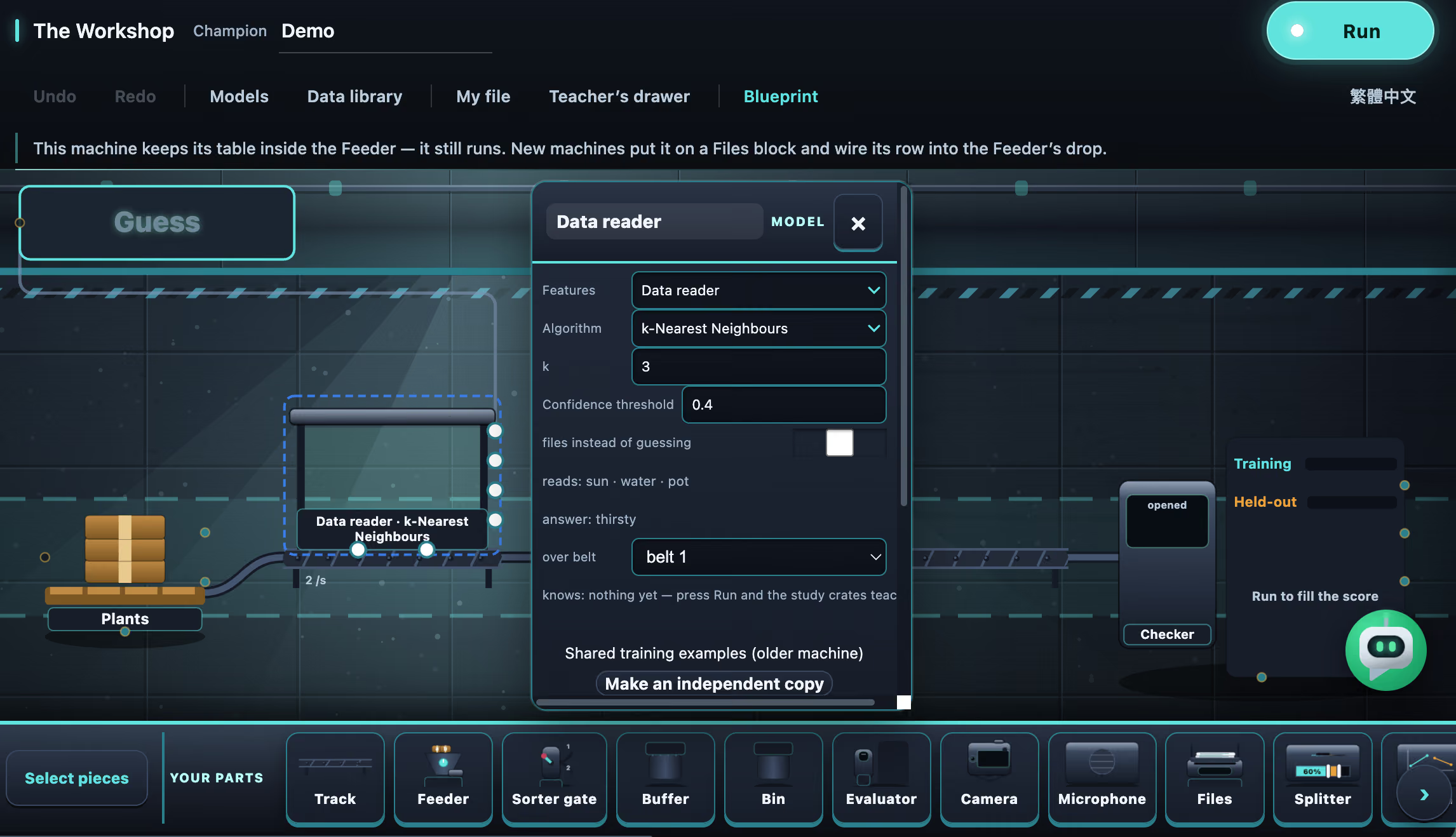
AI Workshop
Students trace visible inputs, models, conditions and outputs, then test what a machine does and when its uncertainty should matter.
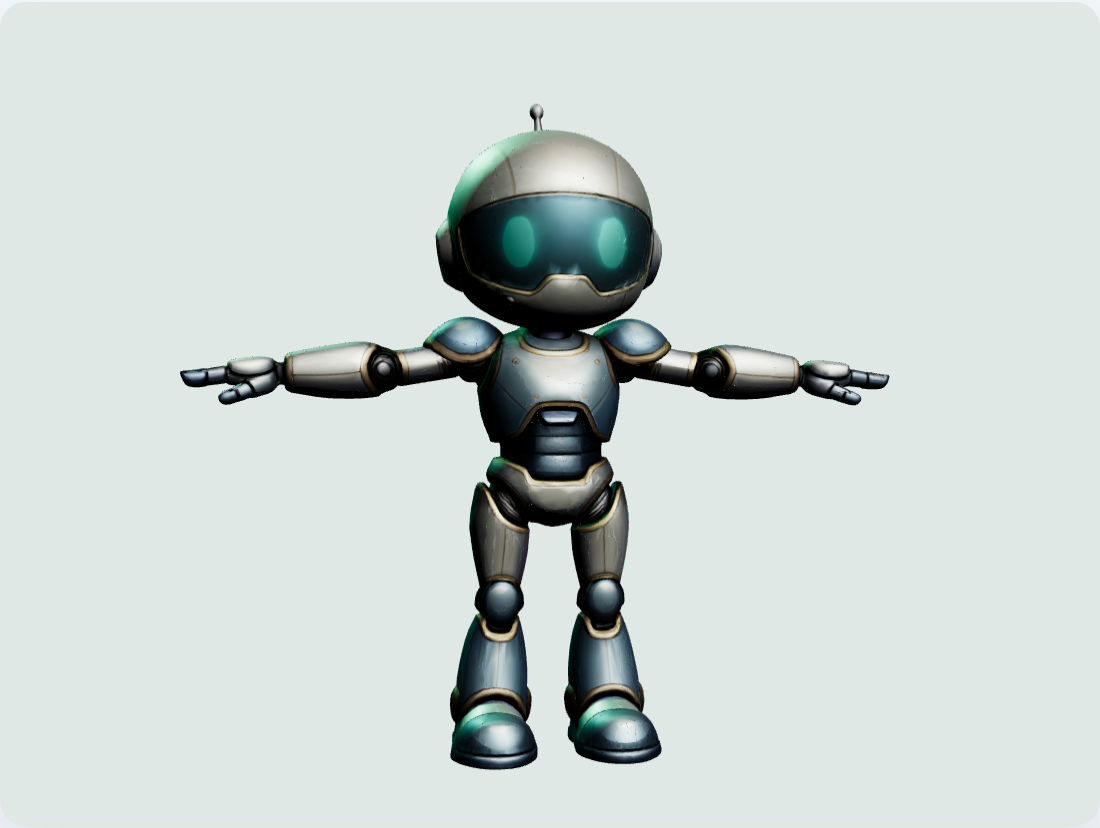
Fit Studio
Students shape a distinctive 3D character and learn how a digital skeleton turns design into movement.

Coding Buddy
Students ask questions about their machine, investigate unexpected results and work through changes step by step. The Buddy can help with supported blocks, wiring and settings; students run tests, inspect the evidence and decide what to try next.
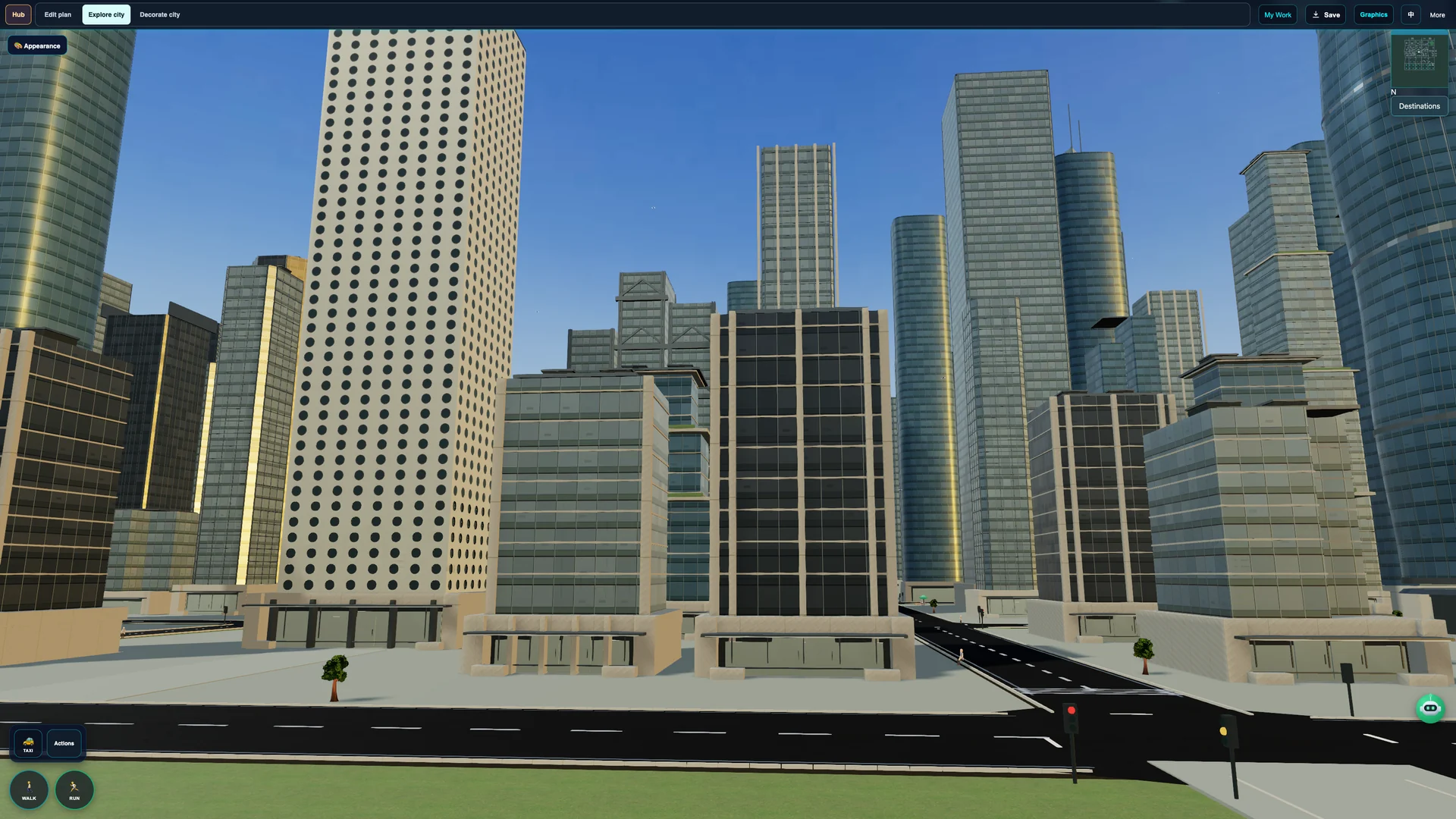
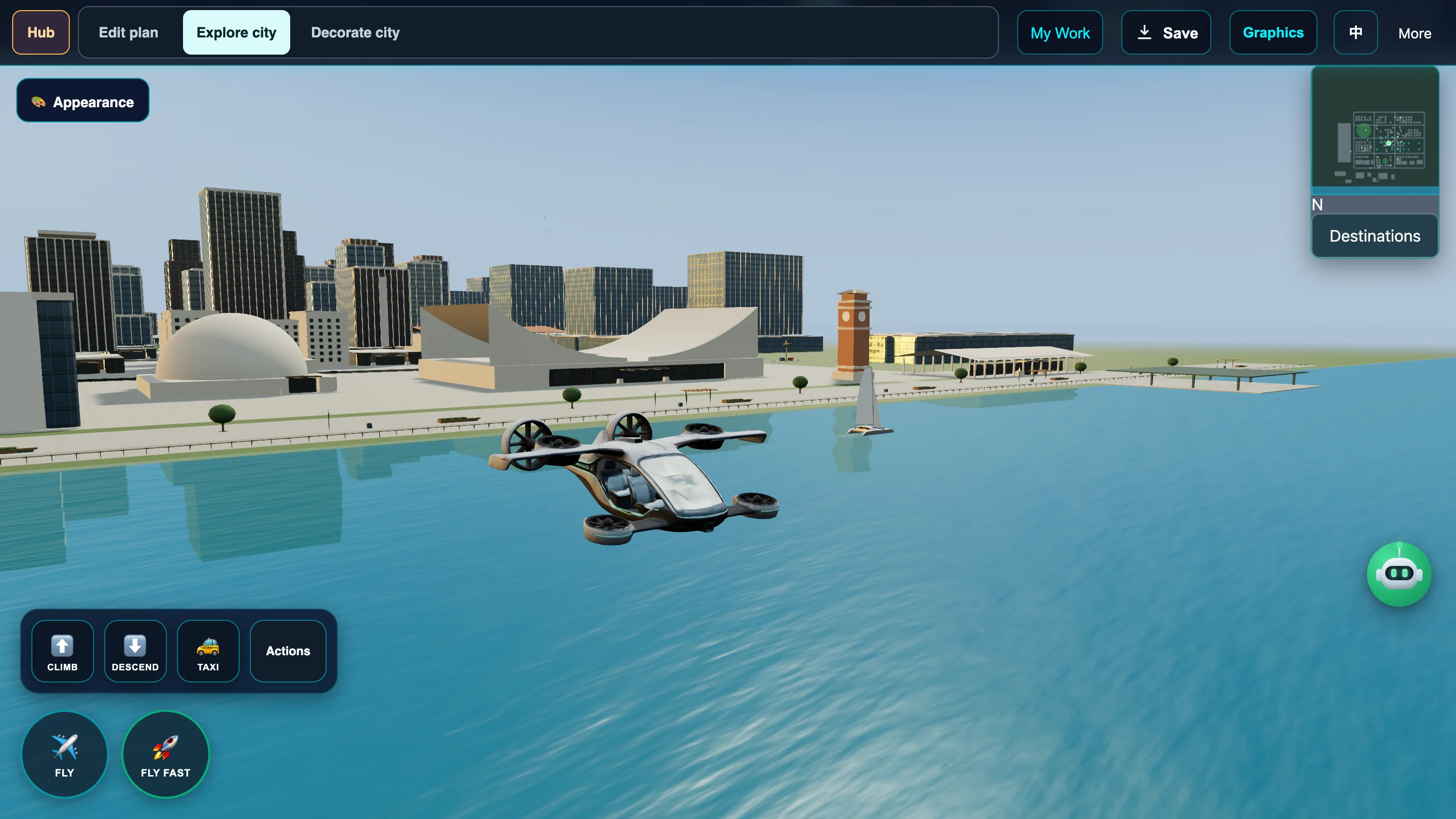
AI City
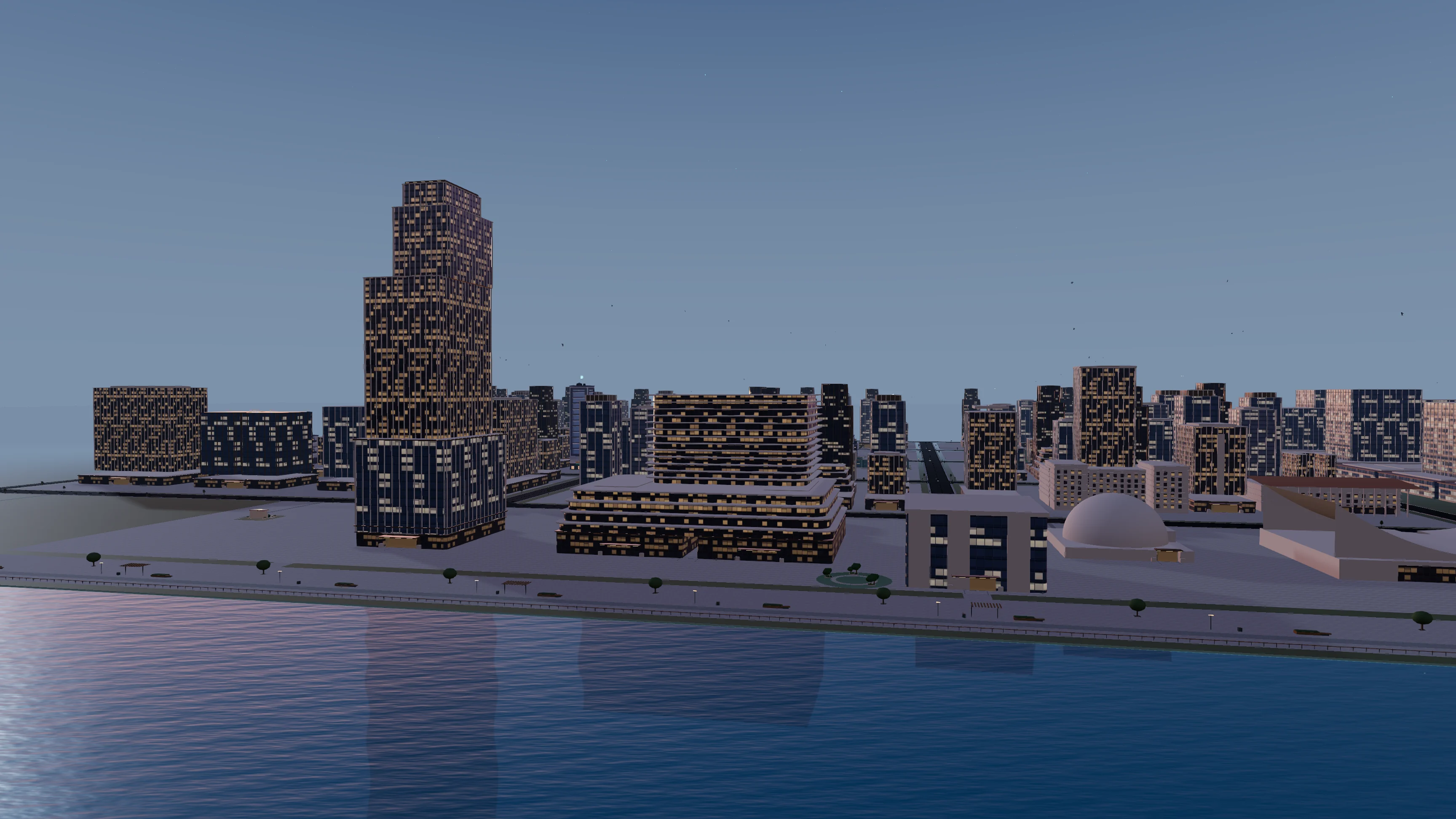
Students make design choices for a 3D city that carries their evidence forward. The city is a lasting place to revisit, test and explain their work.
GUIDANCE BUILT INTO THE WORKSHOP
A self-contained course helps students learn the Workshop’s tools and functions through demonstrations, guided practice and hints, then create their own machines. Optional challenges invite further exploration.
Connect components and follow messages.
Connect feeders, tracks, bins and displays.
Teach with labelled examples, test and improve.
Connect model predictions to routing and feedback.
Compare numerical predictions with simulated reference data.
Take it furtherTry optional challenges, then apply your skills to create your own machines.
Watch a worked example and revisit each step.
Build, test and use hints when needed.
Apply the skills to machines for AI City.
Highlighted connections make each action easy to follow.
Pause, choose a step or replay at a comfortable pace.
Get a useful next step while working on the machine.
Check understanding, improve a result and return to saved work.
Workshop tutorial example
The delivery factory makes connections visible through animation. Students can revisit a step, then build and test the idea themselves.
Workshop tutorial example
The prediction house combines examples, contextual hints and hands-on practice. Feedback helps students explain why a prediction can differ from a simulated reference.
Practise with guidance. Then apply these skills to your own Workshop machines and test connected projects in AI City. See Workshop machines in AI City →
From the Workshop to the City
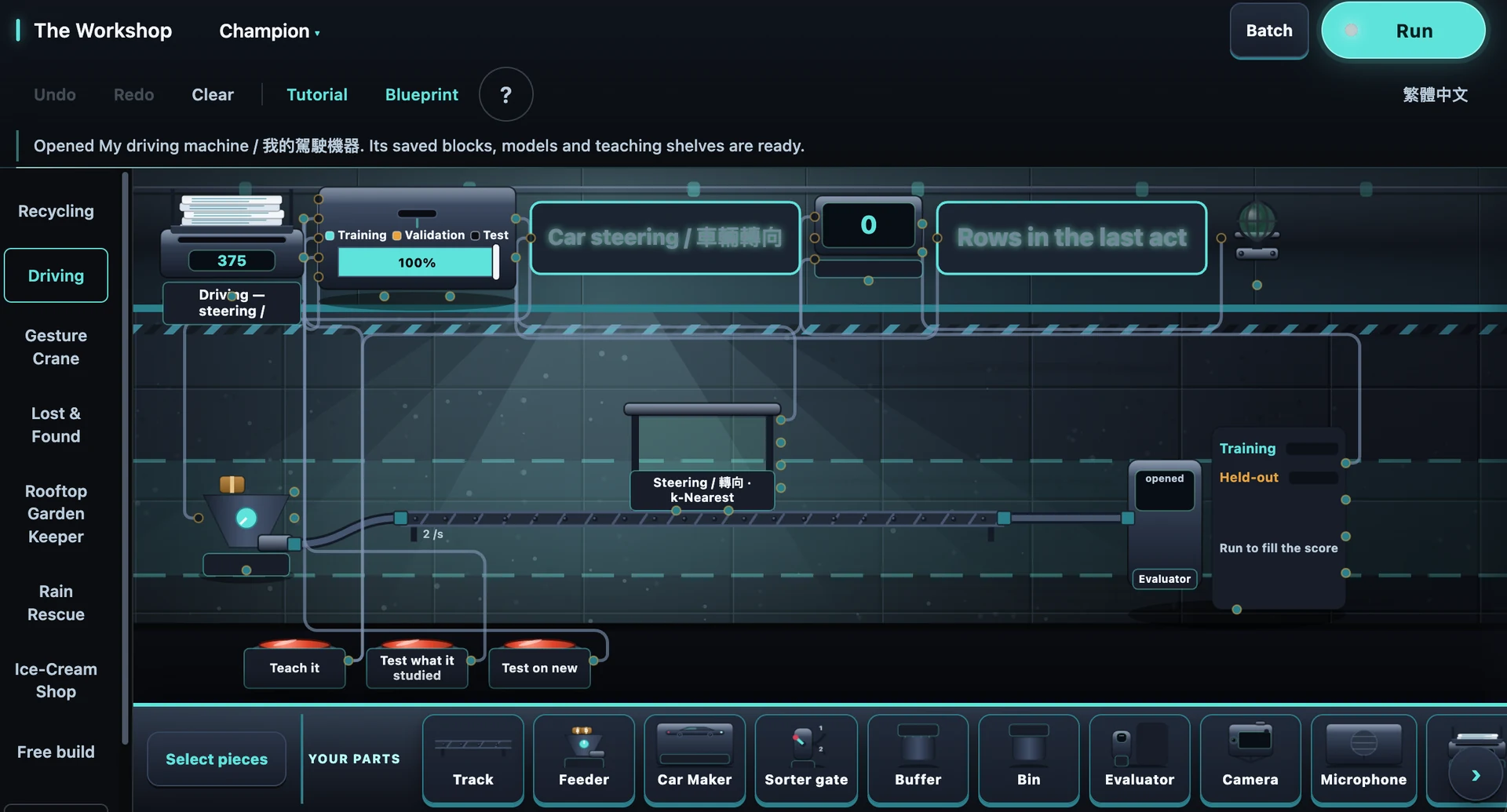
In the AI Workshop, students connect inputs, AI models and decision rules to build working systems. Dedicated tabs organise different skills, each linked to a simulation in the AI City. Students teach and test their machines, see how their decisions play out, then return to the Workshop to improve them. Driving and recycling are just two examples of the AI skills students explore throughout the programme.
Driving School
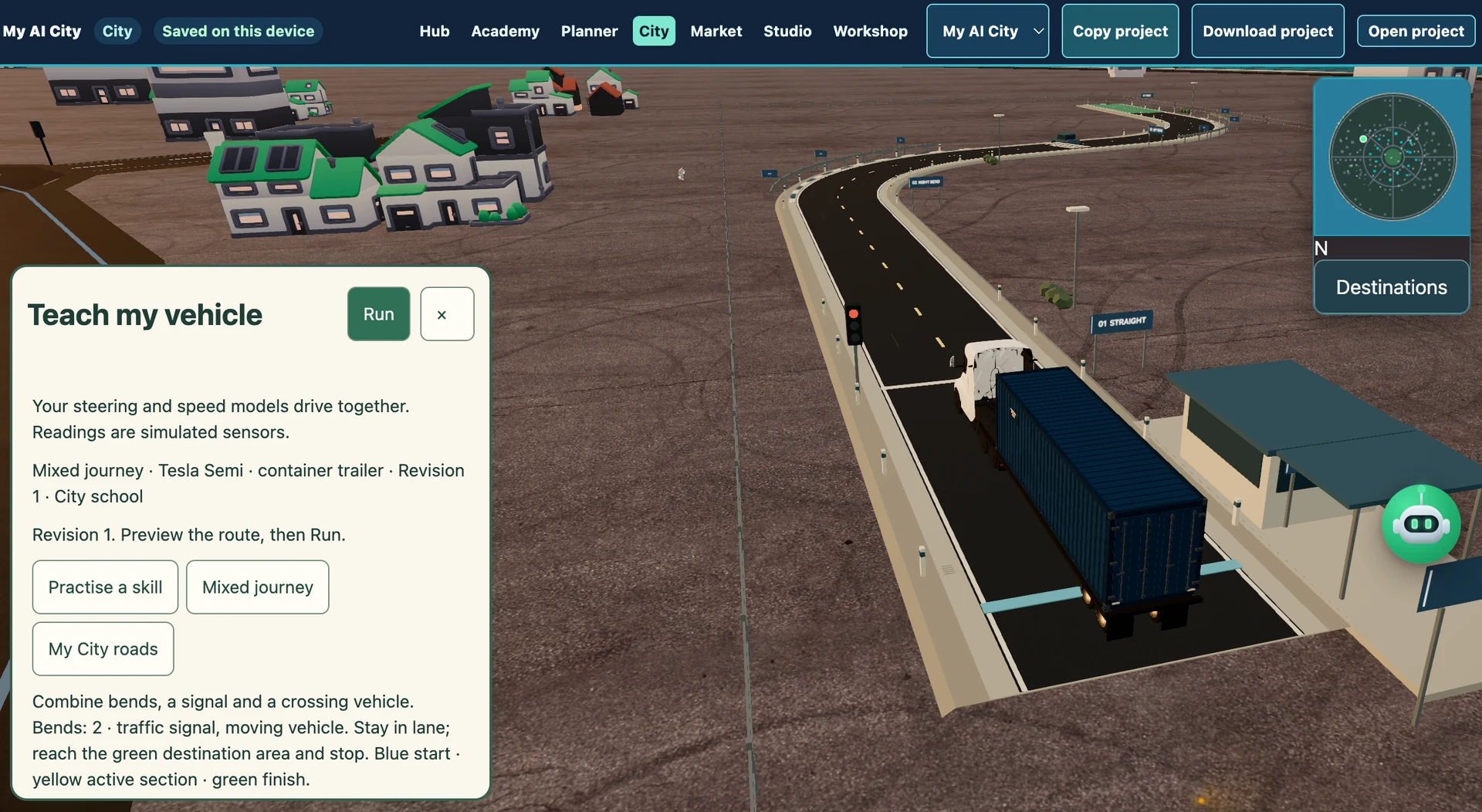
Students train steering and speed models using simulated sensor readings, then test them together on a City driving course. Afterwards, they can test their cars on regular AI City roads too. Bends, traffic lights and other vehicles reveal where their examples work—and where more teaching is needed.
Recycling Sorter
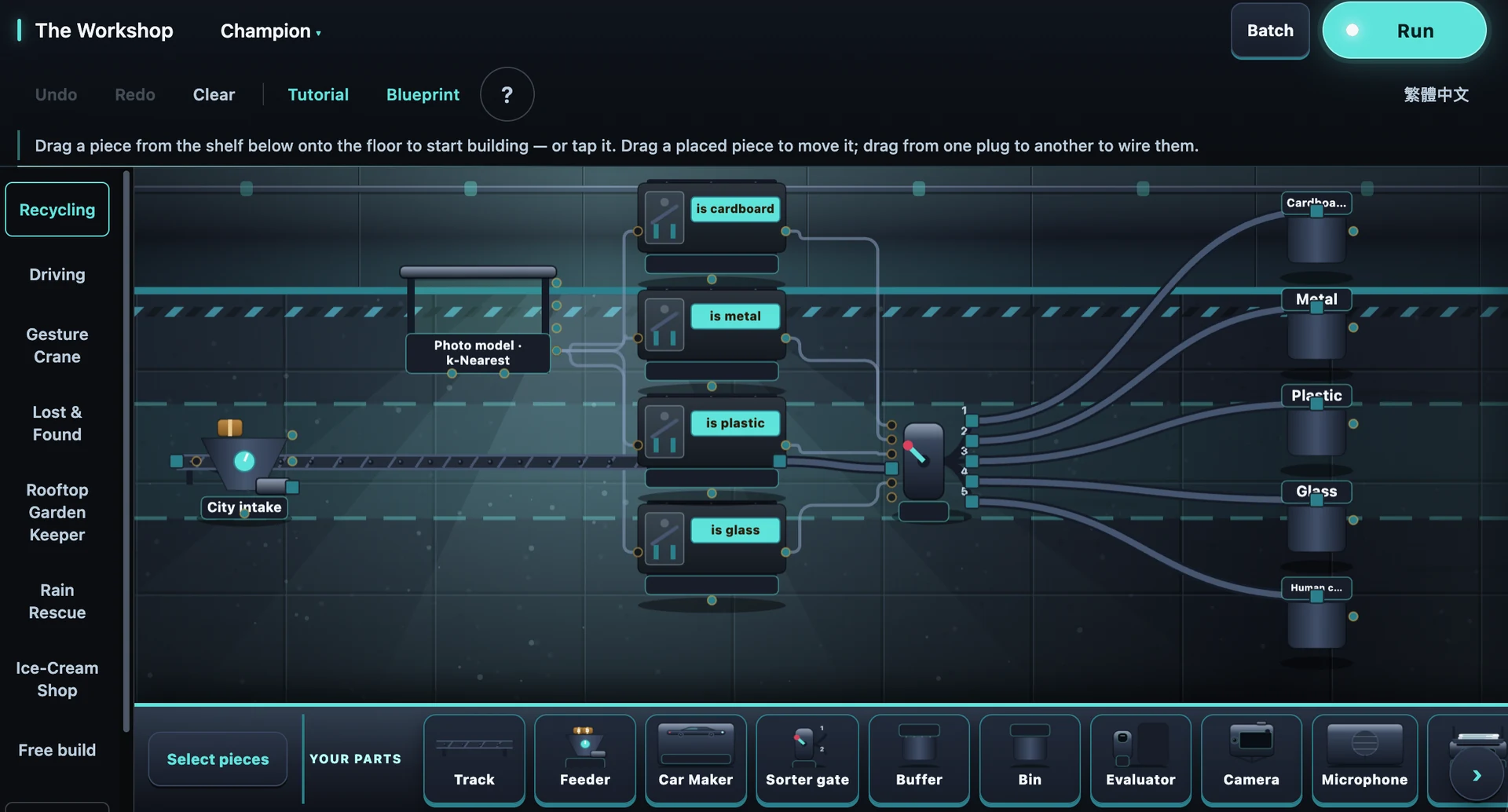
Students teach a model to recognise materials and connect its predictions to sorting rules. In the City’s Recycling Lab, they test their saved machine, inspect mistakes and decide when an item needs a human check.
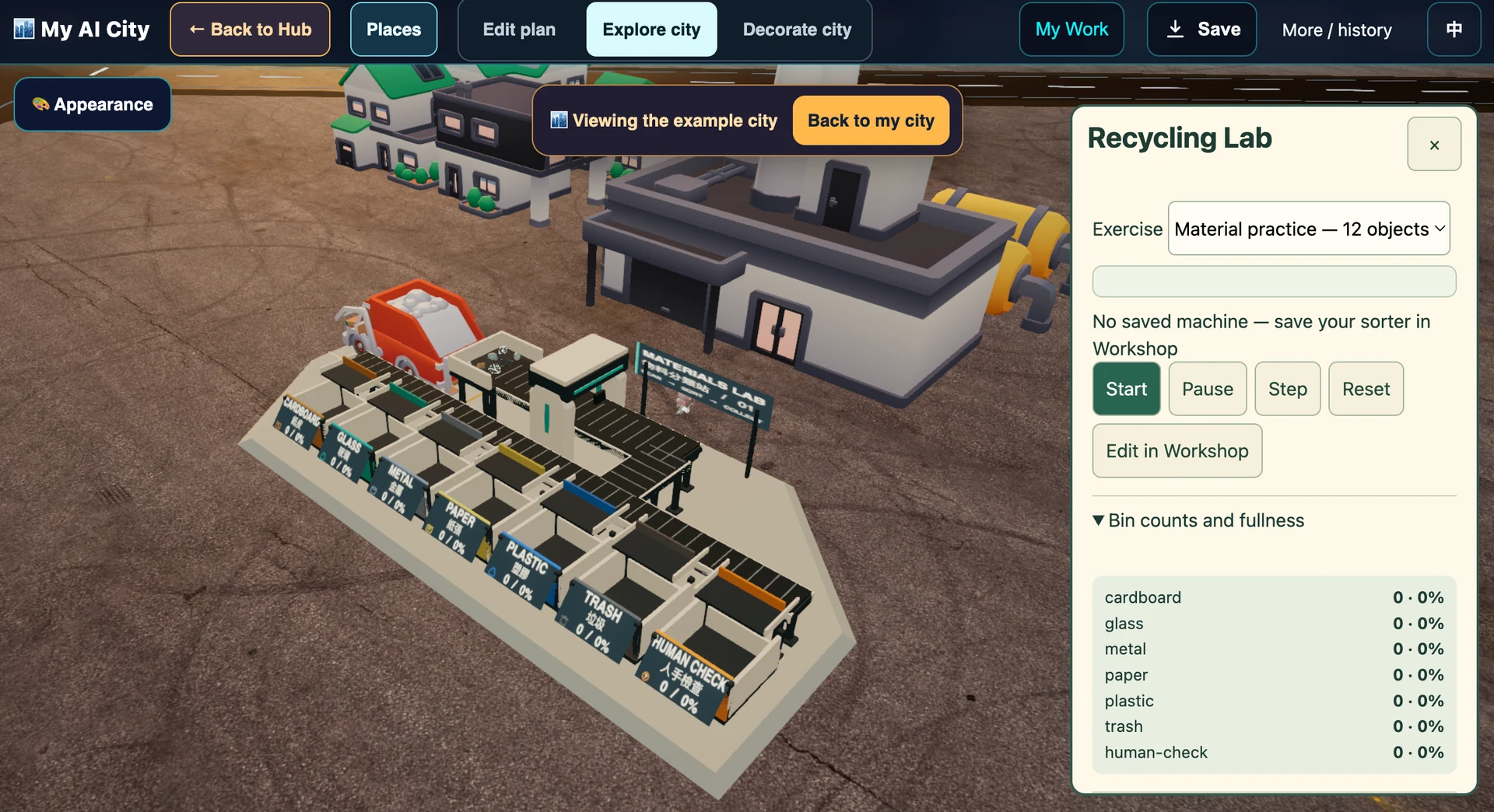
Every test gives students something to explain—and a reason to improve what they built.
Students start with a character of their own, use AI to develop its appearance in 3D, then give it movement. Their imagination leads the way—they can create a character entirely their own.
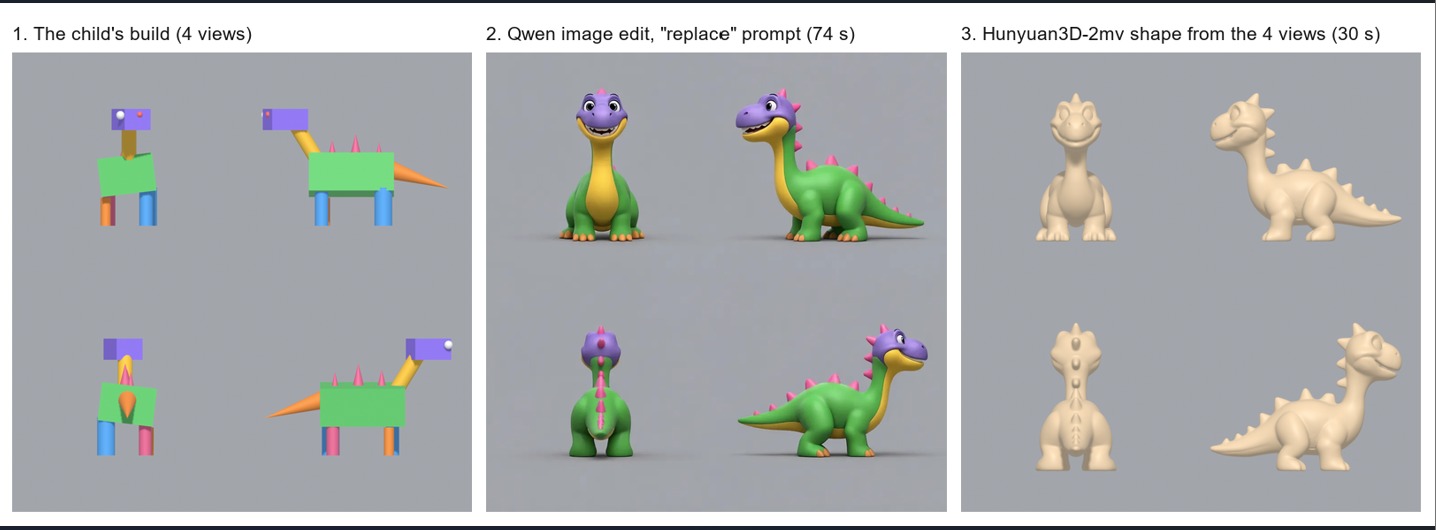
Explore the finished 3D character from every angle.
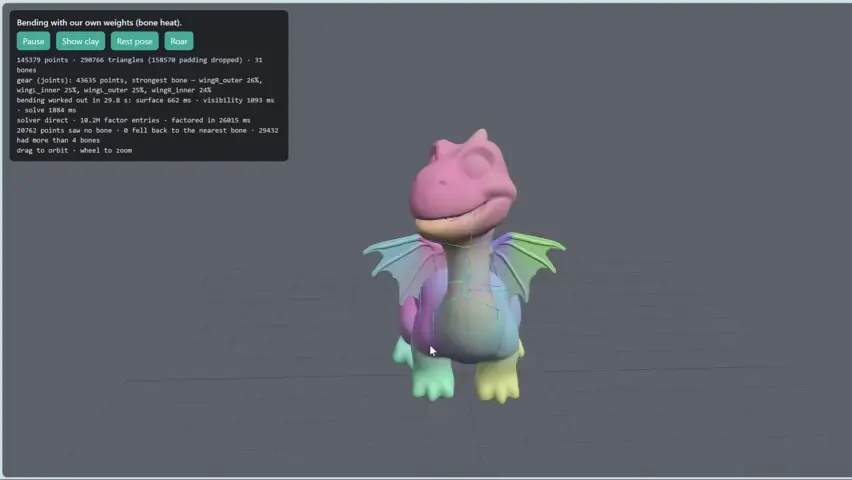
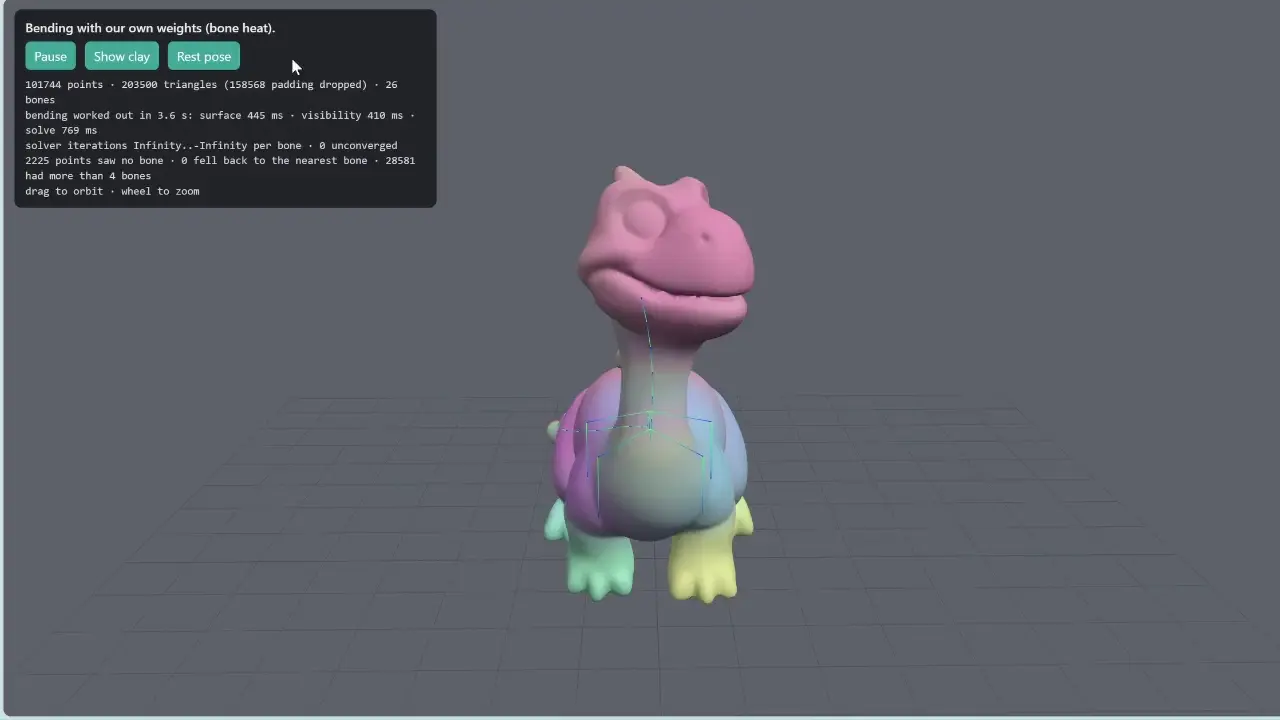
A digital skeleton lets a custom character bend and move—including features such as wings.
Product demonstrations
Explore Passiona, build an AI machine in the Workshop, and dress an AI Champion in Fit Studio.
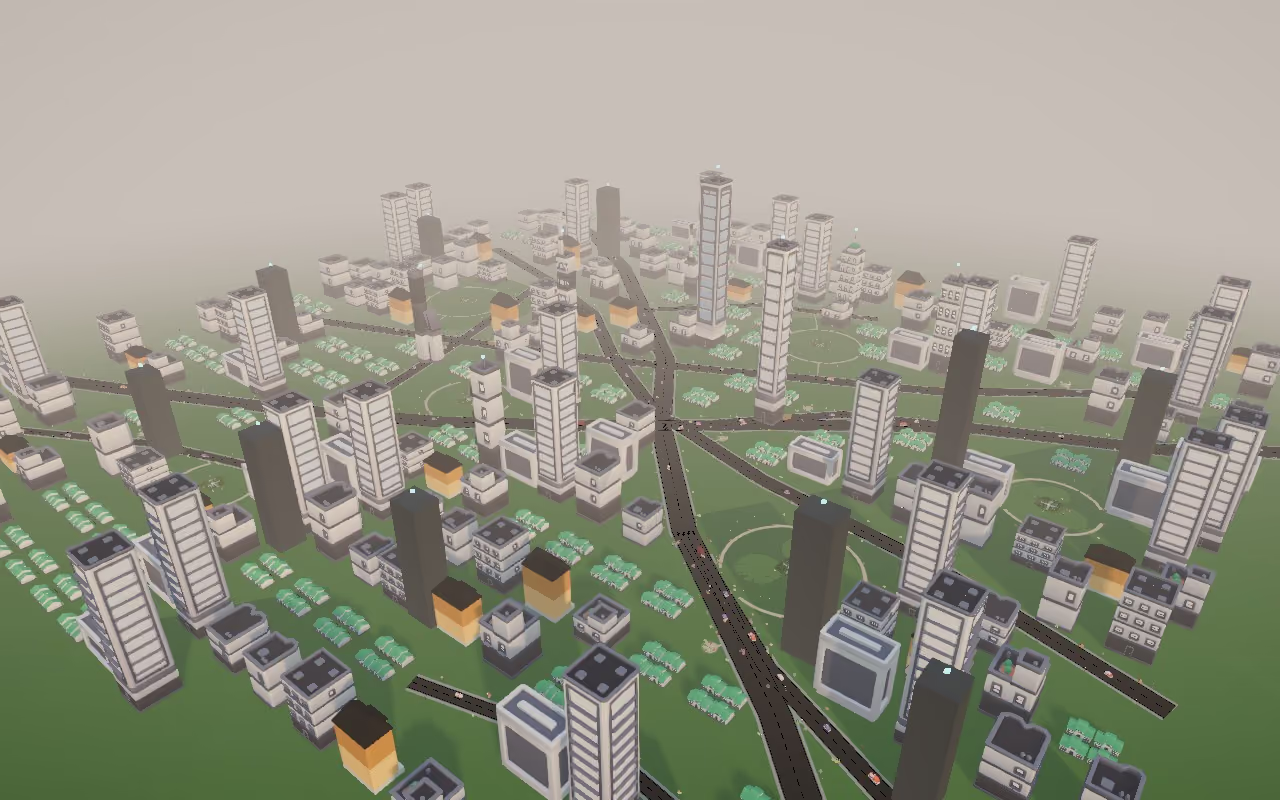
Passiona Demo
See how Passiona connects hands-on AI exploration with a 3D city where students test their machines and explain their ideas.
Watch on YouTube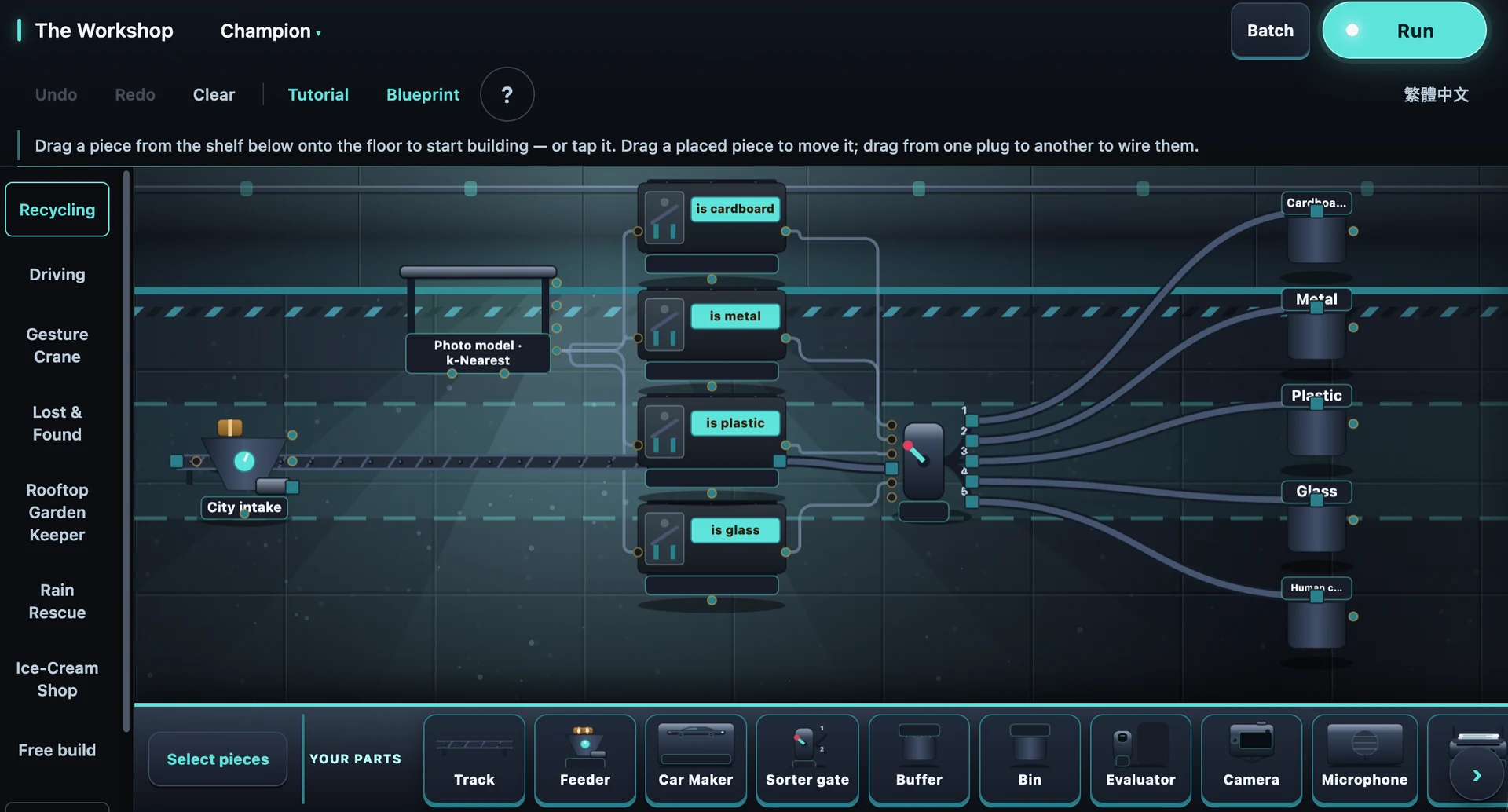
Workshop Demo
See how students build and test an AI recycling sorter in the Workshop. Recycling is one example of the machines they can create.
Watch on YouTube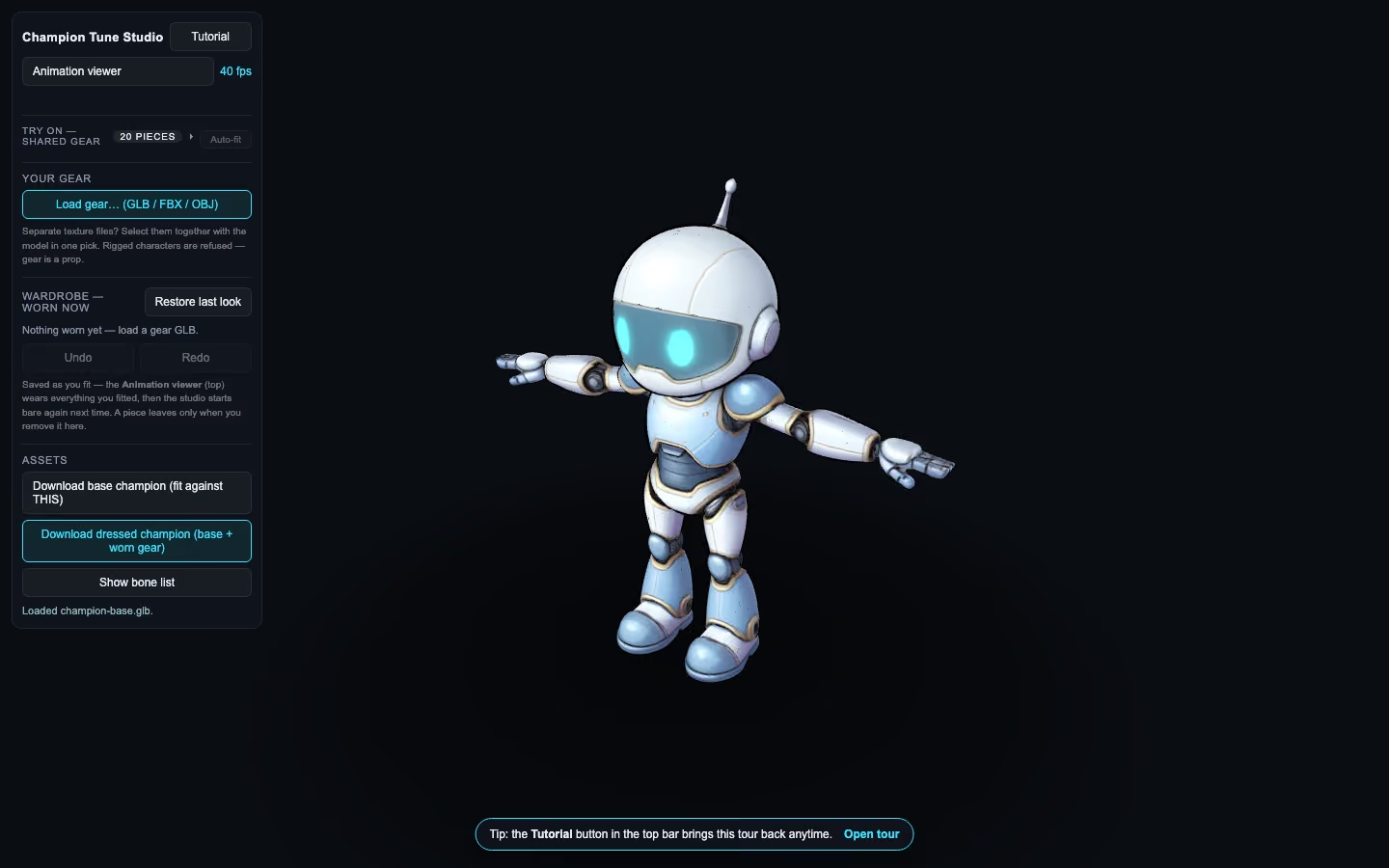
Fit Studio Demo
Choose and fit gear for a student-created AI Champion, then bring it into the AI City.
Watch on YouTubeWhat students leave able to do
At the end of the programme, students can show not only what they made, but how they tested and judged it.
Explain what each part carries from input to output.
Use new cases and evidence to check what an AI claim really shows.
Consider error costs and when a human should decide.
Weigh constraints and trade-offs while solving a genuine need.
Explain a project clearly, show evidence and name one limitation.
Start a conversation
Arrange a free introductory lesson or demo.